
Fetching your API Key
DANGER
Your API key can be used to read / write all analytics data related to your server.
Never share it, commit it to public repositories, or send it to support staff.
Each newly created server in MCMetrics has a unique API key that allows any third-party tool, including the MCMetrics plugin, to write and read data from MCMetrics.
- Click the Settings Cog (⚙️) in the top-right corner of the dashboard.
- Select Server Settings from the dropdown menu.
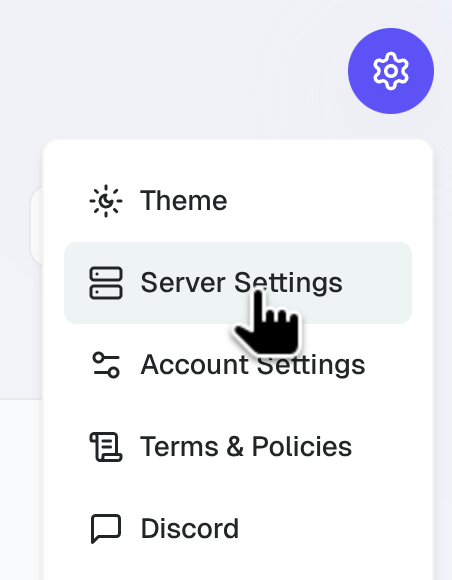
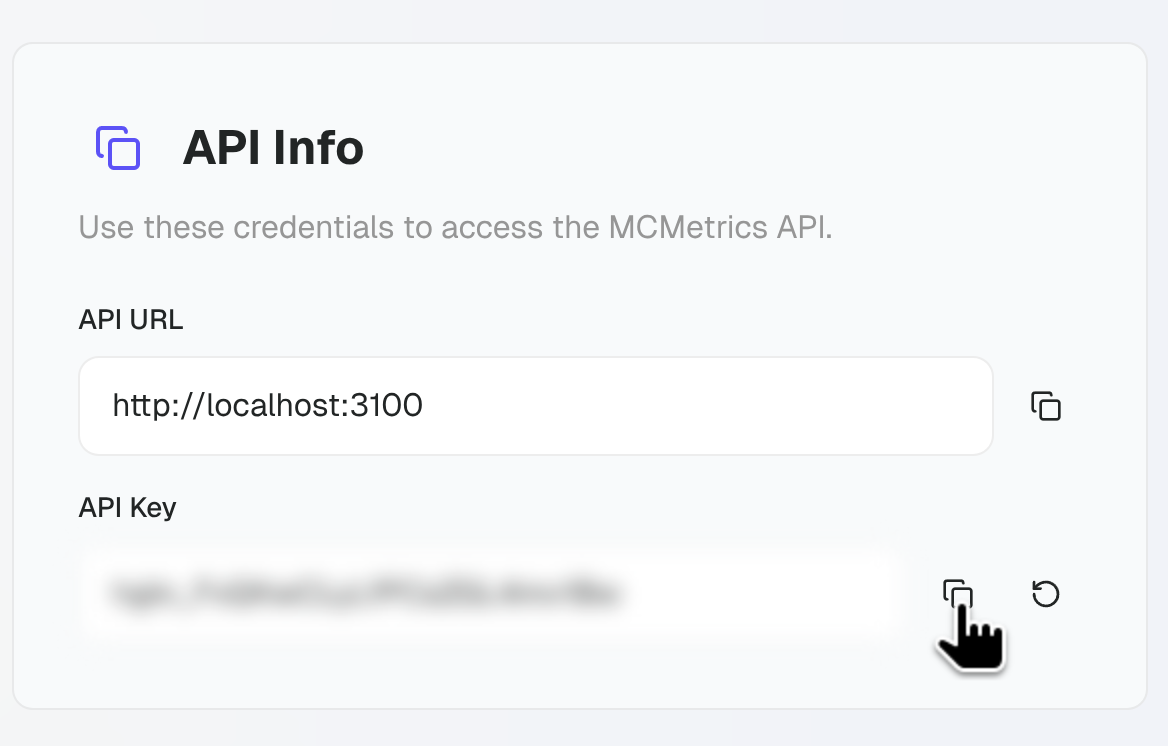
- Scroll down to the API Info section.
- Click on the Copy icon to copy your key to your clipboard.
TIP
Looking for an example of interacting with the MCMetrics API directly so you can create your own third-party tools? Consider looking at the Hoglin SDK.